S9 Game logo S9 GAME Pakistan · Official APK

Android · Free · 48 MB

Download the S9 Latest APK

Get the S9 new app installed in under two minutes. This page covers the full process — the download itself, the Android security prompt that trips most people up, the system requirements, and the checks worth doing before you install any APK.

File size
≈ 48 MB
Requires
Android 6.0+
Price
Free
Version
Latest
Join Telegram Group Stuck on an install step? Support answers in under two minutes.
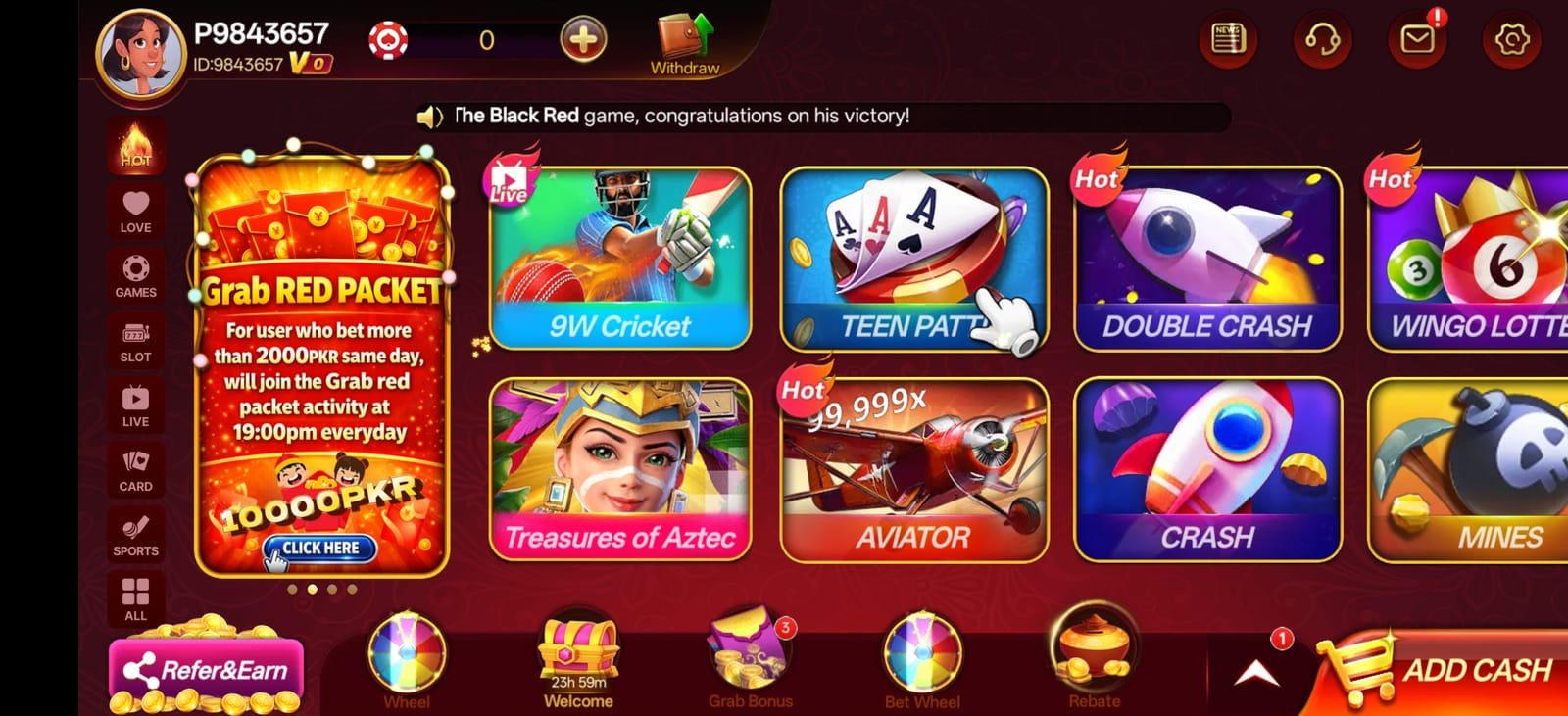
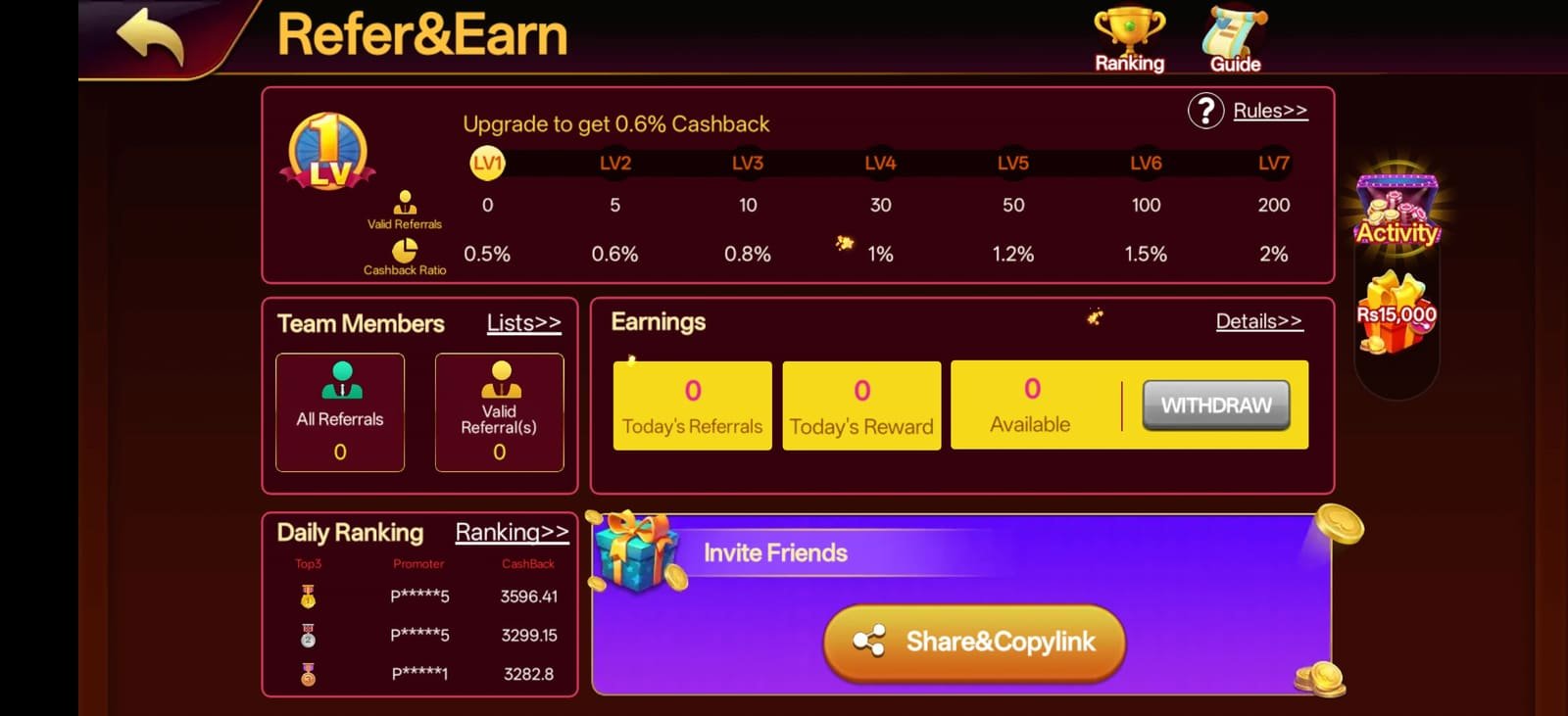
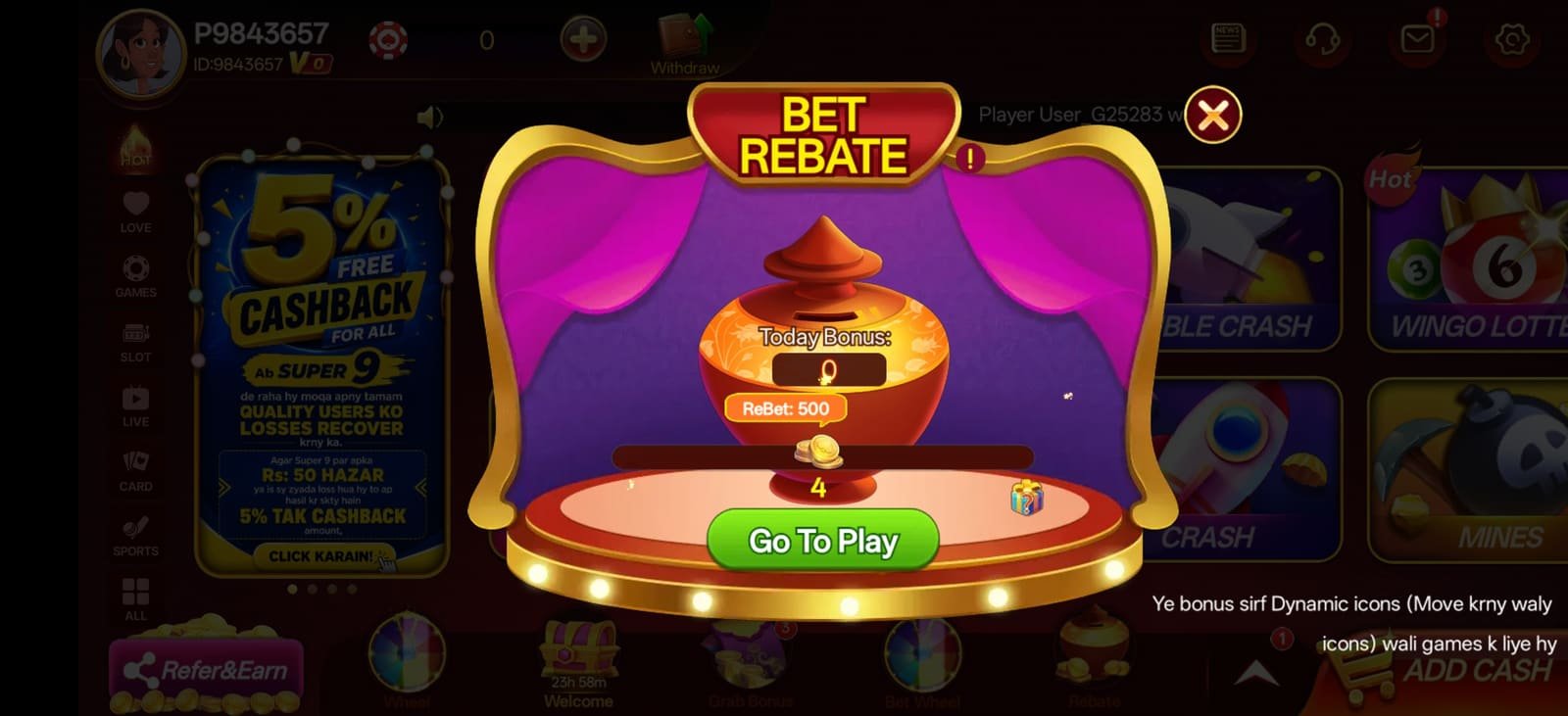
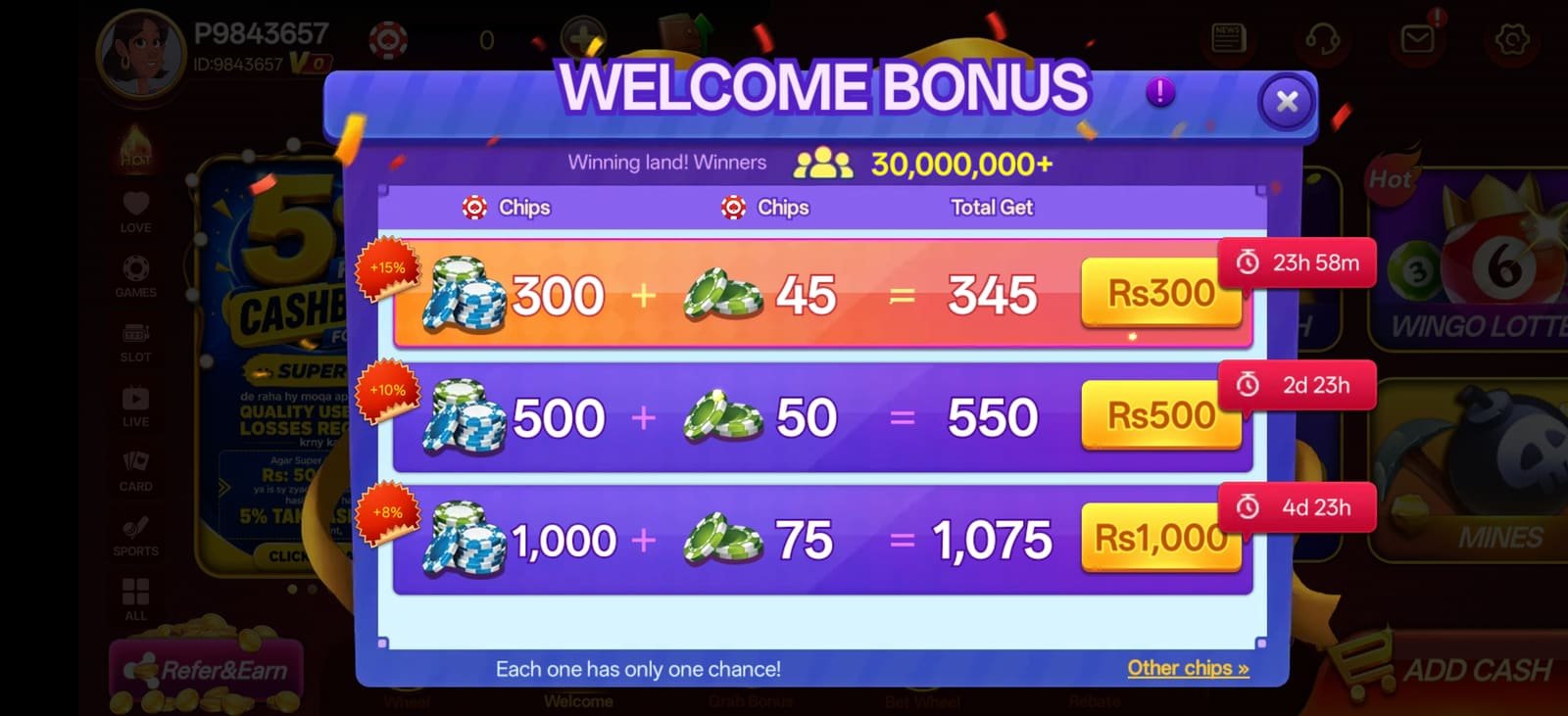
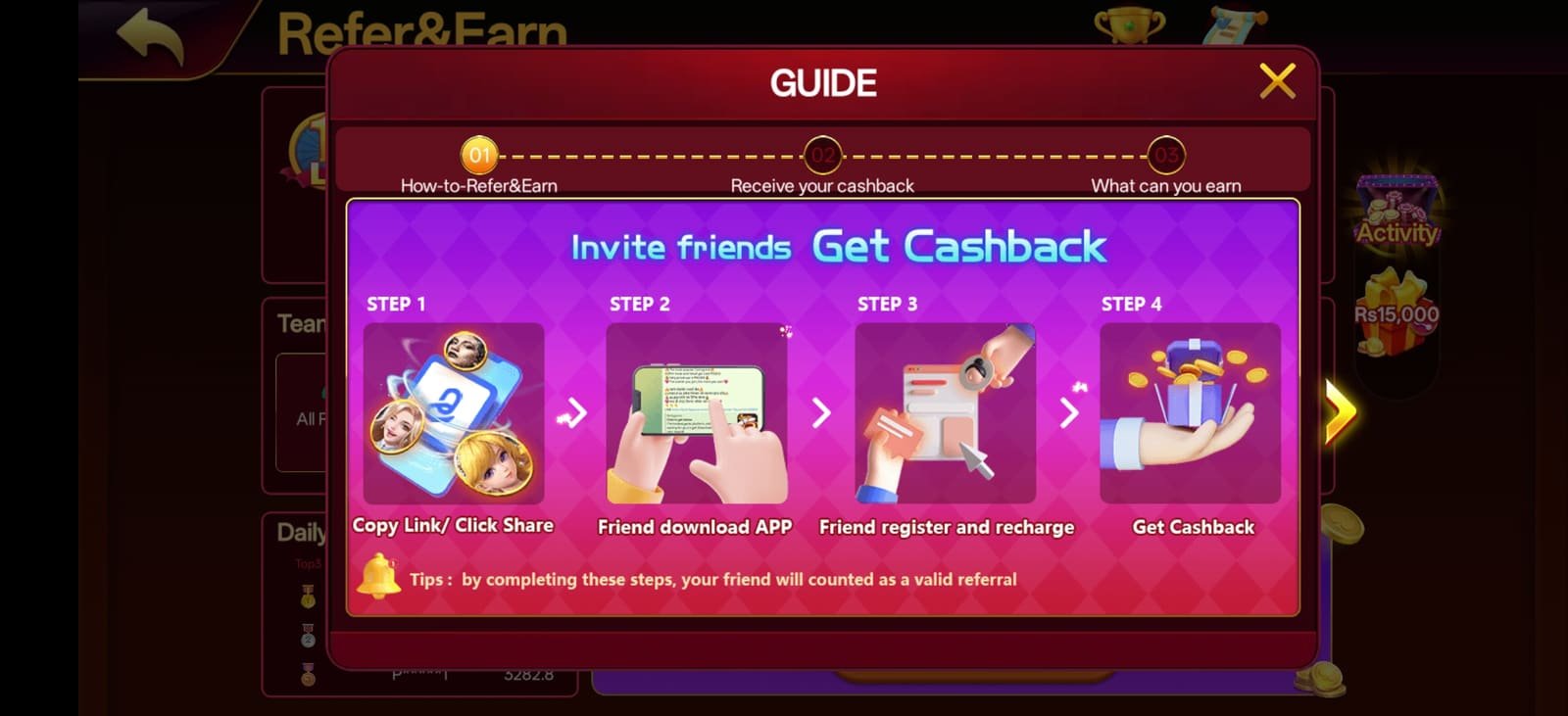
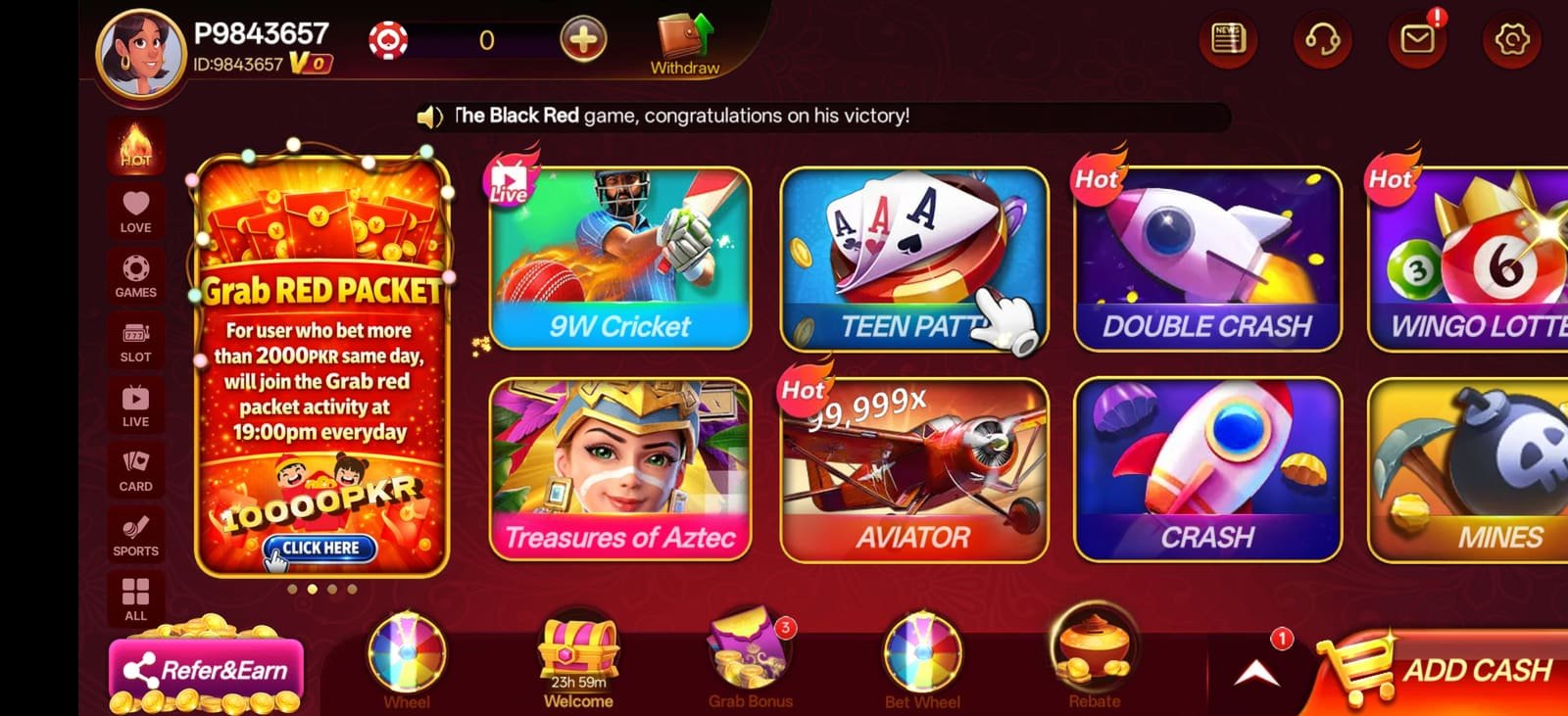
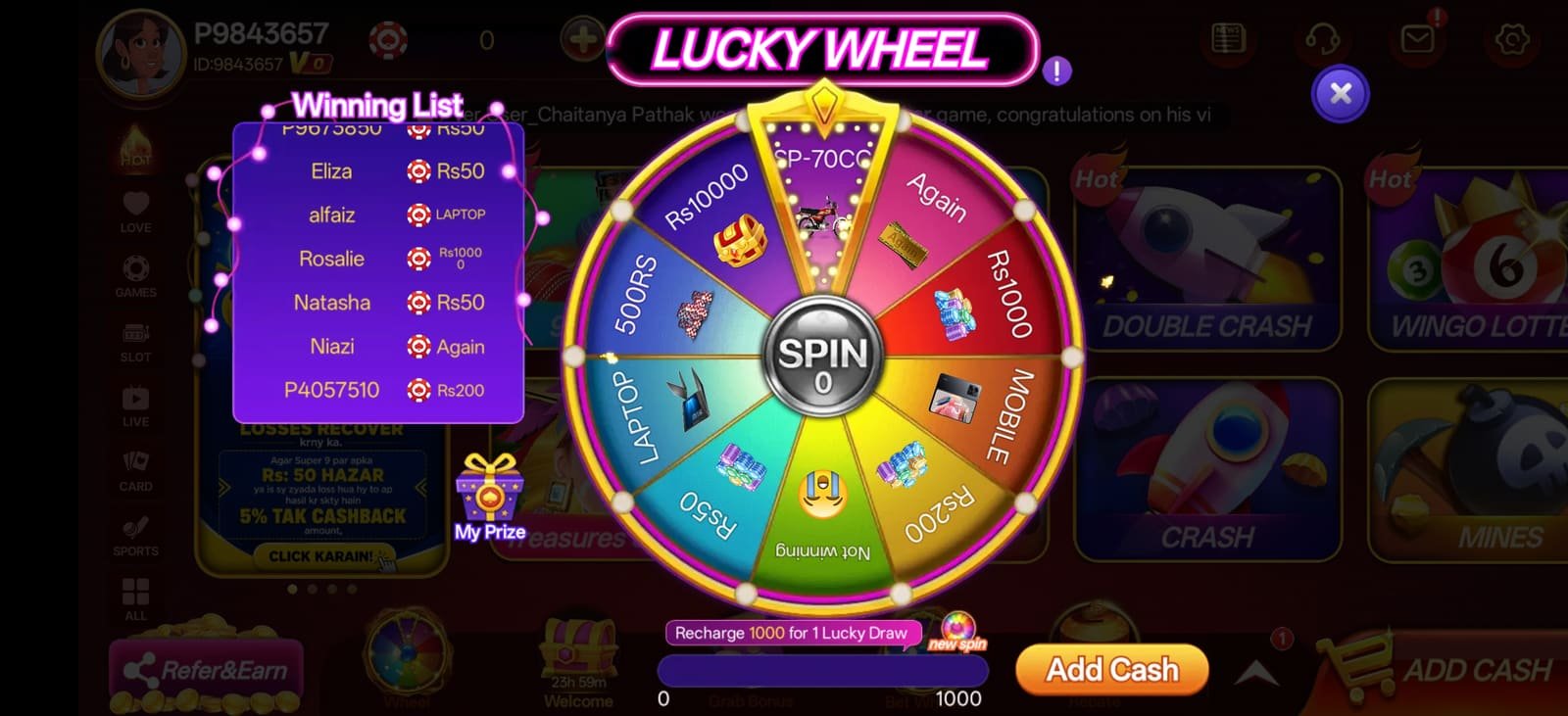
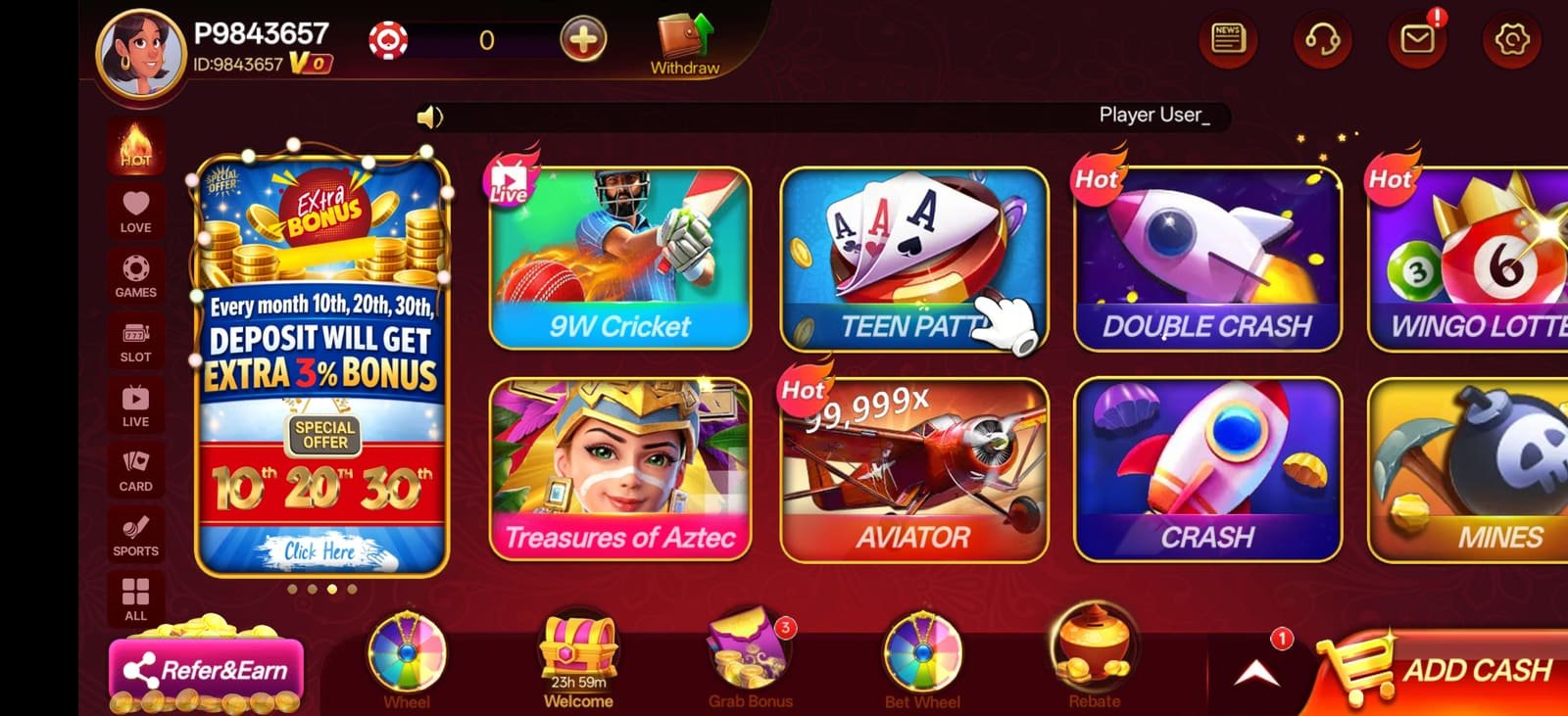
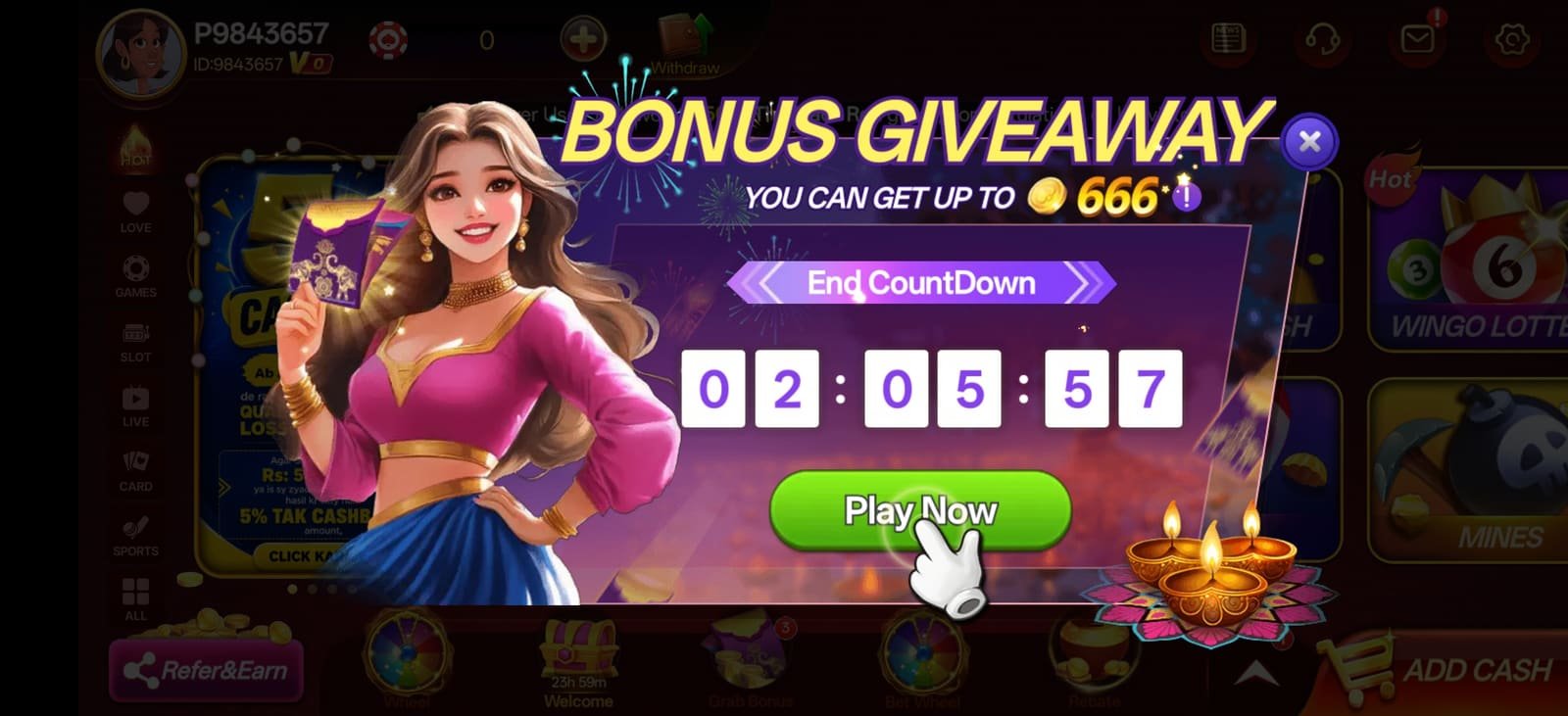
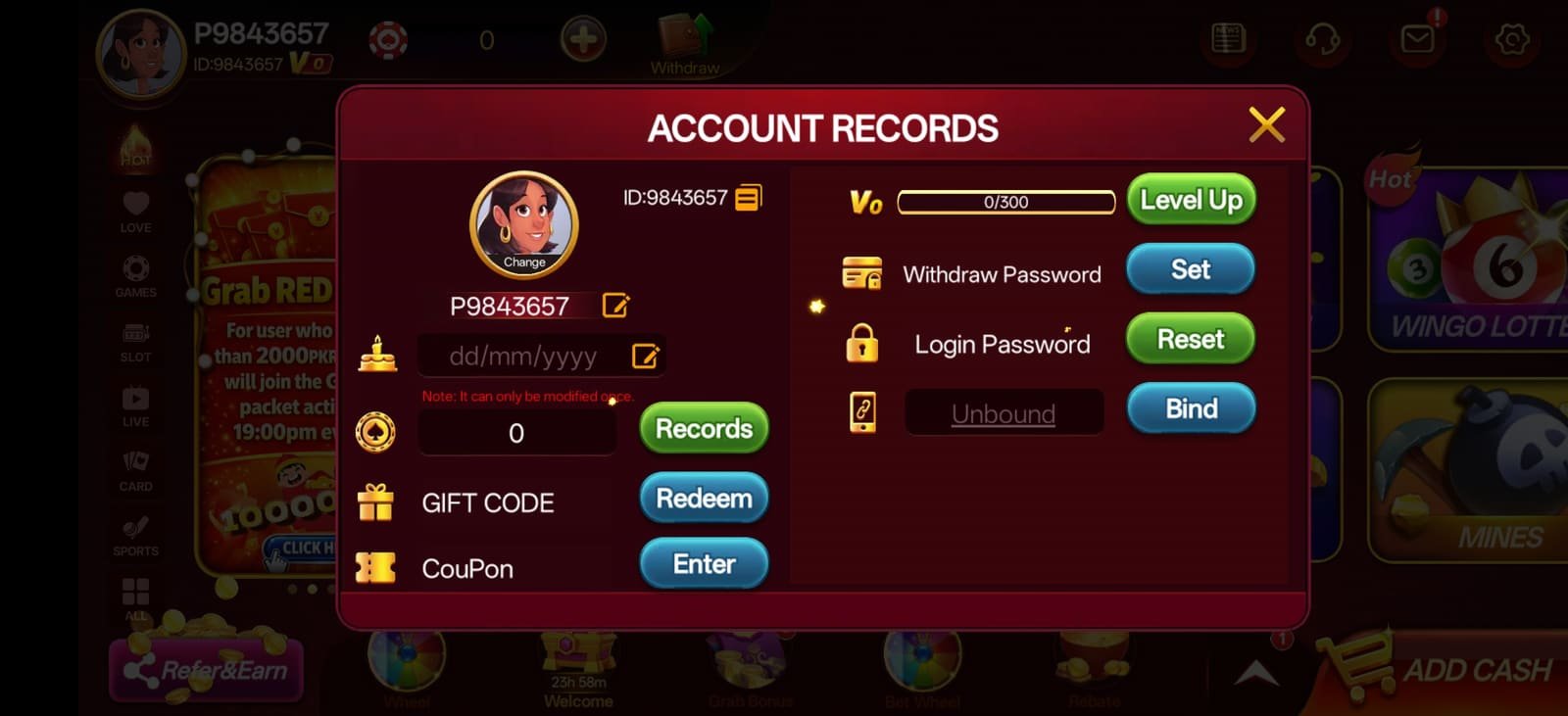
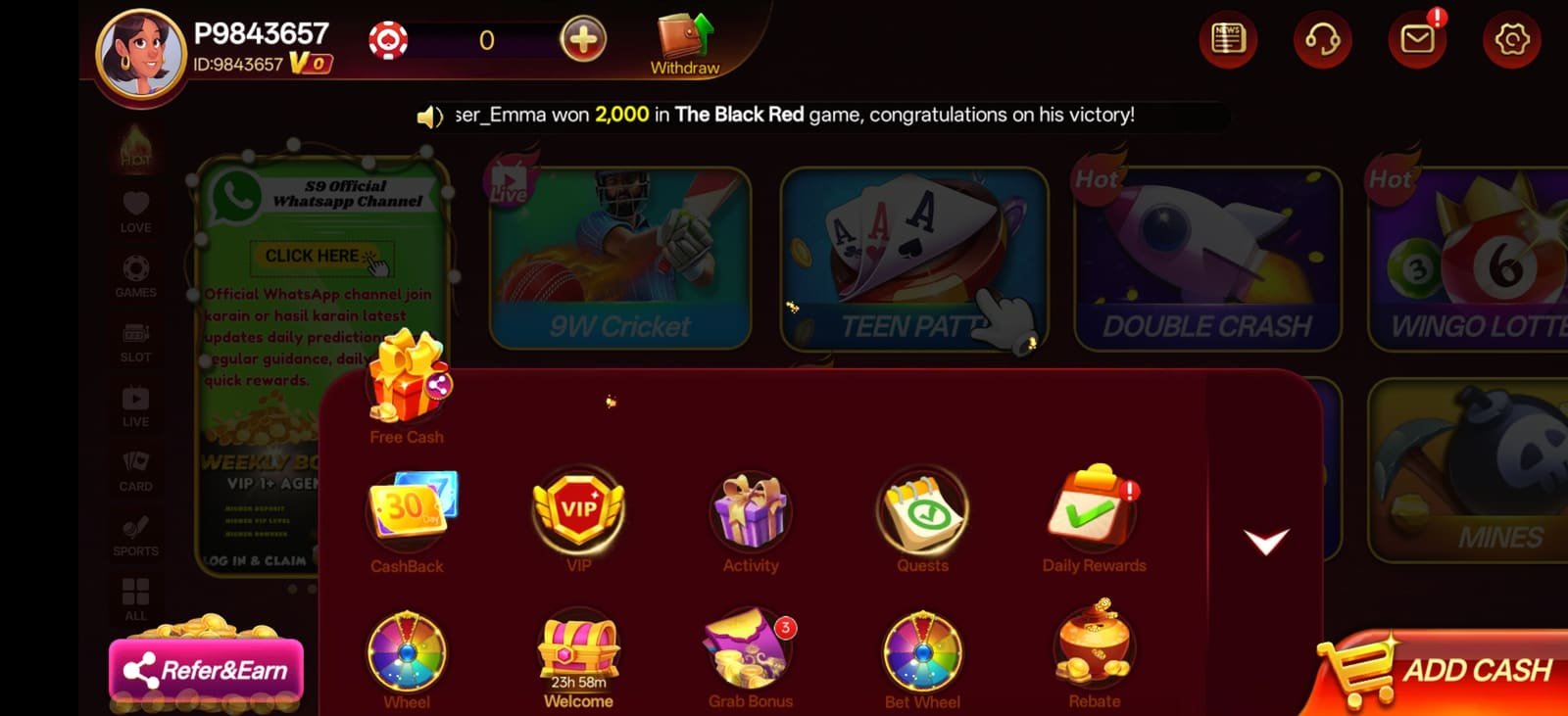
S9 Game app — hero gameplay screen S9 APK screenshot — app lobby after installation S9 latest app screenshot — slot reels and paytable S9 new apk screenshot — game selection carousel S9 app screenshot — hold and win bonus grid
Virus-scan clean Installs in 30s Android 6.0+

Install guide

Installing the S9 App, Step by Step

Written for someone who has never side-loaded an APK before. Android's exact wording differs slightly between manufacturers, so where that matters we have noted the variations you are likely to see on Samsung, Xiaomi, Infinix and Tecno handsets.

1

Open the download link

Tap the download button on this page. It opens the official S9 Game page where you can create your account and pull the current APK build. Always start from a link you navigated to yourself rather than one forwarded to you by a stranger.

Tip: Chrome may briefly show a "this type of file can harm your device" bar. That is a generic warning Android shows for every APK, not a detection of anything specific.
2

Allow installs from your browser

Android blocks installs from outside the Play Store until you grant permission per app. When prompted, tap Settings and enable the toggle for whichever browser you downloaded with, then press back to return to the installer.

Where to find it: Settings → Apps → Special access → Install unknown apps. On older builds it is Settings → Security → Unknown sources.
3

Run the installer

Open the downloaded file from your notification shade or the Downloads folder and tap Install. Installation takes about thirty seconds. Some devices run an additional Play Protect scan first — let it finish rather than cancelling it.

If nothing happens: the download probably did not complete. Check that the file size is around 48 MB before opening it; a much smaller file is a truncated download.
4

Register your account

Open the app and tap Register. You need a mobile number and a password — no email verification loop and no document upload at this stage. The welcome bonus attaches to your first qualifying deposit automatically.

Do this now: complete identity verification on day one, before you have a balance you are impatient to withdraw. It makes every later payout run at full speed.
5

Fund your wallet

Open the wallet, choose a payment method and enter an amount from ₹100 upward. Mobile wallet deposits usually credit within a minute; bank transfers follow normal banking hours. Confirm the amount on screen before you authorise anything.

Important: deposit from an account in your own name. A name mismatch between your payment method and your player account will hold up your first withdrawal.
6

Keep the app updated

Update from inside the app when it prompts you, rather than re-downloading from whichever site happens to rank in search that week. In-app updates preserve your session and are the only route guaranteed to give you a genuine build.

Release alerts: new S9 APK versions are announced on the community Telegram channel @yn_games first.

App screenshots

What the S9 App Looks Like Once Installed

Captured from the S9 latest APK running on an Android handset. Drag the slider or use the arrows to look through the lobby, the in-game screens and the bonus features you will meet in your first session.

S9 APK screenshot — home lobby
Home Lobby After install
S9 app screenshot — featured slot games row
Featured Slots Browse
S9 latest apk screenshot — bonus round
Bonus Round In-game
S9 new app screenshot — free spins selection
Free Spins Feature
S9 game screenshot — multiplier reels
Multipliers Feature
S9 apk screenshot — reels and paytable detail
Paytable Game info
S9 app screenshot — big win celebration
Big Win Celebration
S9 latest app screenshot — jackpot feature
Jackpot Progressive
S9 new apk screenshot — expanding wilds feature
Expanding Wilds Feature
S9 game screenshot — cascading reels
Cascading Reels Gameplay

Compatibility

System Requirements

The S9 APK is deliberately light. It runs comfortably on entry-level and mid-range handsets — you do not need a flagship phone for a smooth session.

S9 app system requirements
Requirement Minimum Recommended
Operating systemAndroid 6.0 (Marshmallow)Android 10 or later
RAM2 GB4 GB or more
Free storage150 MB500 MB
ProcessorQuad-core 1.4 GHzOcta-core 2.0 GHz
Screen720 × 12801080 × 2340 or higher
Connection3G4G / LTE or Wi-Fi
Data per hour≈ 25 MB (low-data mode)≈ 60 MB (full quality)
iOSNo native build — use the mobile browser version in Safari

Scan to download on your phone

Reading this on a laptop? Scan the code with your phone camera to open the download page directly on the device you will install to.

AndroidNative APK · full features
iPhone / iPadBrowser version · no install
DesktopBrowser version · secondary

Before you install

Installing Any APK Safely

Side-loading is normal for this category of app, but it does move some responsibility onto you. These are the checks worth doing — for the S9 APK and for any other APK you ever install.

Check the file size

A genuine build is around 48 MB. A file of two or three megabytes is a downloader stub, not the app — delete it.

Review the permissions

A slots app needs storage and network access. It has no reason to request your contacts, SMS or call log — decline anything that does.

Keep Play Protect on

Leave Google's scanner enabled. It adds a few seconds to the install and catches genuinely malicious packages before they run.

Turn the toggle back off

Once installed, disable "install unknown apps" for your browser again. It costs nothing and closes the door behind you.

Never pay to "unlock" a download

The app is free. Any site or person charging a fee for the APK, an activation key or a "verification" payment is running a scam.

Verify the support handle

Only @bbxxyyz is official support. Impersonation accounts copy the name and avatar exactly — check the username character by character.

If something goes wrong

Troubleshooting the S9 APK Install

Nearly every failed install comes down to one of these five causes. Work through them in order before contacting support — most are fixed in under a minute.

Almost always one of three things. First, an older copy of the app is already installed — uninstall it completely, then run the new file. Second, insufficient storage; Android needs roughly three times the APK size free during installation. Third, a corrupted or incomplete download — delete the file and download it again on a stable connection.

This is usually a network drop rather than a problem with the file. Switch to Wi-Fi if you are on mobile data, or vice versa, and restart the download rather than resuming it. If your carrier is throttling large downloads, trying at a different time of day often works.

The "install unknown apps" permission is granted per source app, not globally. If you downloaded in Chrome but are opening the file from a file manager, the permission needs to be granted to the file manager as well. Go to Settings → Apps → Special access → Install unknown apps and enable whichever app you are actually opening the file from.

Game assets stream on first launch, so the initial open of any title takes longer than subsequent ones. If a game hangs on the loading screen, force-close the app, confirm you have a stable connection, and reopen. Clearing the app cache — not the data — resolves the stubborn cases without logging you out.

Play Protect flags essentially every app distributed outside the Play Store, because "unrecognised developer" is itself the trigger. That warning is about distribution, not about the contents of the file.

That said, do not treat any warning as automatically harmless. Check the file size, review the requested permissions, and only proceed with a download you started yourself from a page you navigated to deliberately.

Two minutes from now

Get the S9 App and Claim ₹10,000

Free download, free registration, and the entire slot catalogue open the moment your account goes live. No approval wait, no queue.

18+ only · Play responsibly · Terms and wagering conditions apply